Install the Appximo engine on this machine, or update the one that is already
here. Do ONLY this — do not build or scaffold anything; I will paste a second
prompt for that once you are done.

WHICH VERSION: latest

(Leave it as `latest`, or replace it with an exact tag like `v0.1.5`.)

## Rules

- Ask me NOTHING. Every decision below has a default; take it.
- Work out my platform yourself (Linux, macOS or Windows) and use the matching
  section. Do not ask me which one I am on.
- Finish by proving the result with the success checklist, not by asserting it.

## Step 1 — what is already here?

```
appximo version
```

Three possible states — identify mine before downloading anything:

- **(a) Not installed** (`command not found` / `not recognized`) → install it.
- **(b) An older version** → update it. This is the common case, and the one
  that silently breaks things: an old binary will not have newer commands, and
  the failure looks like a typo instead of a stale install.
- **(c) Already the version I asked for** → change NOTHING. Say so, run the
  checklist, and stop. Do not reinstall "to be safe".

Also note WHERE it lives (`which appximo` / `where.exe appximo`) — an update
must replace THAT file, or the PATH will keep finding the old one. If you find
more than one copy on the PATH, say so and replace the first one the shell
resolves.

## Step 2 — resolve the version I asked for

If I said `latest`, resolve the real tag without guessing — this redirect names
it and needs no API token or rate limit:

```
curl -sI https://github.com/appximo/appximo.github.io/releases/latest | grep -i '^location:'
```

The tag is the last path segment (e.g. `v0.1.5`). Compare it with what Step 1
printed. **Equal → state (c): stop, nothing to do.** Different → continue.

Download URLs, for `latest`, never carry a version (these aliases always point
at the newest release):

```
https://github.com/appximo/appximo.github.io/releases/latest/download/appximo-linux-amd64
https://github.com/appximo/appximo.github.io/releases/latest/download/appximo-linux-arm64
https://github.com/appximo/appximo.github.io/releases/latest/download/appximo-darwin-amd64
https://github.com/appximo/appximo.github.io/releases/latest/download/appximo-darwin-arm64
https://github.com/appximo/appximo.github.io/releases/latest/download/appximo-windows-amd64.exe
https://github.com/appximo/appximo.github.io/releases/latest/download/checksums.txt
```

If I named an exact tag instead, use that release's own versioned assets:
`https://github.com/appximo/appximo.github.io/releases/download/<TAG>/appximo-<TAG>-linux-amd64`
(and `checksums.txt` from the same `/download/<TAG>/` directory).

Pick the file for MY platform and CPU (`uname -sm`, or `$env:PROCESSOR_ARCHITECTURE`).

## Step 3 — install or update

### Linux / macOS

```bash
cd "$(mktemp -d)"
curl -fsSLO https://github.com/appximo/appximo.github.io/releases/latest/download/appximo-linux-amd64
curl -fsSLO https://github.com/appximo/appximo.github.io/releases/latest/download/checksums.txt

# integrity: the checksums file lists BOTH the alias and the versioned name,
# so this works for the alias download too
grep " appximo-linux-amd64$" checksums.txt | sha256sum -c -

chmod +x appximo-linux-amd64
sudo install -m 0755 appximo-linux-amd64 /usr/local/bin/appximo   # replaces an old copy in place
```

(Drop the `sudo` if you are already root or the box has none — say which you
did. Replace the file the shell ALREADY resolves in Step 1, then `hash -r`.)

On macOS the file is `appximo-darwin-arm64` (Apple Silicon) or
`appximo-darwin-amd64` (Intel), and `sha256sum` is `shasum -a 256`. If macOS
quarantines the download, clear it: `xattr -d com.apple.quarantine <file>`.

If `/usr/local/bin` is not writable and there is no `sudo`, install to
`~/.local/bin` instead and make sure that directory is on the PATH — say
explicitly which one you chose.

**Replacing a RUNNING binary is fine here**: `install`/`mv` swaps the file, and
any already-running process keeps the old copy open until it exits.

### Windows (PowerShell)

⚠ **Windows cannot overwrite a binary that is currently running or open.** A
plain copy fails with "being used by another process". Do it in this order:

```powershell
$dir = "$env:LOCALAPPDATA\Appximo"
New-Item -ItemType Directory -Force -Path $dir | Out-Null
$tmp = Join-Path $env:TEMP "appximo-new.exe"

Invoke-WebRequest -Uri "https://github.com/appximo/appximo.github.io/releases/latest/download/appximo-windows-amd64.exe" -OutFile $tmp
Invoke-WebRequest -Uri "https://github.com/appximo/appximo.github.io/releases/latest/download/checksums.txt" -OutFile "$env:TEMP\checksums.txt"

# integrity
$want = (Select-String -Path "$env:TEMP\checksums.txt" -Pattern 'appximo-windows-amd64\.exe$').Line.Split(' ')[0]
$got  = (Get-FileHash $tmp -Algorithm SHA256).Hash.ToLower()
if ($want -ne $got) { throw "checksum mismatch — do not install this file" }

$target = Join-Path $dir "appximo.exe"
if (Test-Path $target) {
  # The old exe may be running or open: RENAME it (Windows allows renaming a
  # running executable, it just refuses to overwrite one), then put the new one
  # in its place. Delete the .old file later, or on the next update.
  $old = Join-Path $dir "appximo.old.exe"
  Remove-Item $old -Force -ErrorAction SilentlyContinue
  Rename-Item $target $old -Force
}
Move-Item $tmp $target -Force
```

If the rename ALSO fails, something is holding the file: close every terminal,
editor and running `appximo serve`, then retry. As a last resort reboot — do
not install a second copy somewhere else on the PATH, which is how two
different versions end up shadowing each other.

**PATH**: `$env:LOCALAPPDATA\Appximo` must be on it, permanently:

```powershell
[Environment]::SetEnvironmentVariable(
  "Path", [Environment]::GetEnvironmentVariable("Path","User") + ";$env:LOCALAPPDATA\Appximo", "User")
```

Then **open a NEW terminal** — the current one keeps the old PATH, and every
"it still says command not found" after an install is this.

### Optional: verify the signature, not just the checksum

The checksum only proves the download was not corrupted in transit — it lives
in the same release as the binary. If you have (or can install) `cosign`, this
verifies the release was really produced by the project's CI:

```
cosign verify-blob checksums.txt --bundle checksums.txt.sigstore.json \
  --certificate-identity-regexp 'github.com/appximo/appximo' \
  --certificate-oidc-issuer https://token.actions.githubusercontent.com
```

Skip it if cosign is not available; do NOT skip the checksum.

## Step 4 — the success checklist (run all three, show me the output)

```
appximo version     # must print the version I asked for — not the old one
appximo prompt      # must print a long prompt starting "You are going to build me…"
appximo --help      # must list: up, new, prompt, serve, validate, migrate, specs
```

- If `version` still shows the OLD number: the shell cached the old path
  (`hash -r` on Linux/macOS) or there is a second copy earlier on the PATH
  (`which -a appximo` / `where.exe appximo`) — fix that, don't reinstall.
- If `prompt` says `unknown command`: the update did not take effect. That
  command is the proof; do not report success without it.

Then tell me: the version now installed, where the binary lives, and whether
this was a fresh install, an update from which version, or a no-op. Stop there
— I will paste the build prompt next.

## If something fails

- **No network / TLS errors** → say so plainly and stop; do not fall back to
  building from source or to an unverified mirror.
- **No write permission at the destination** → name the directory that refused,
  and either use `sudo` (Linux/macOS) or install into a user-writable directory
  that is on the PATH. Never silently install somewhere the PATH will not find.
- **Checksum mismatch** → delete the file and retry once. If it mismatches
  again, stop and tell me; do not install it.
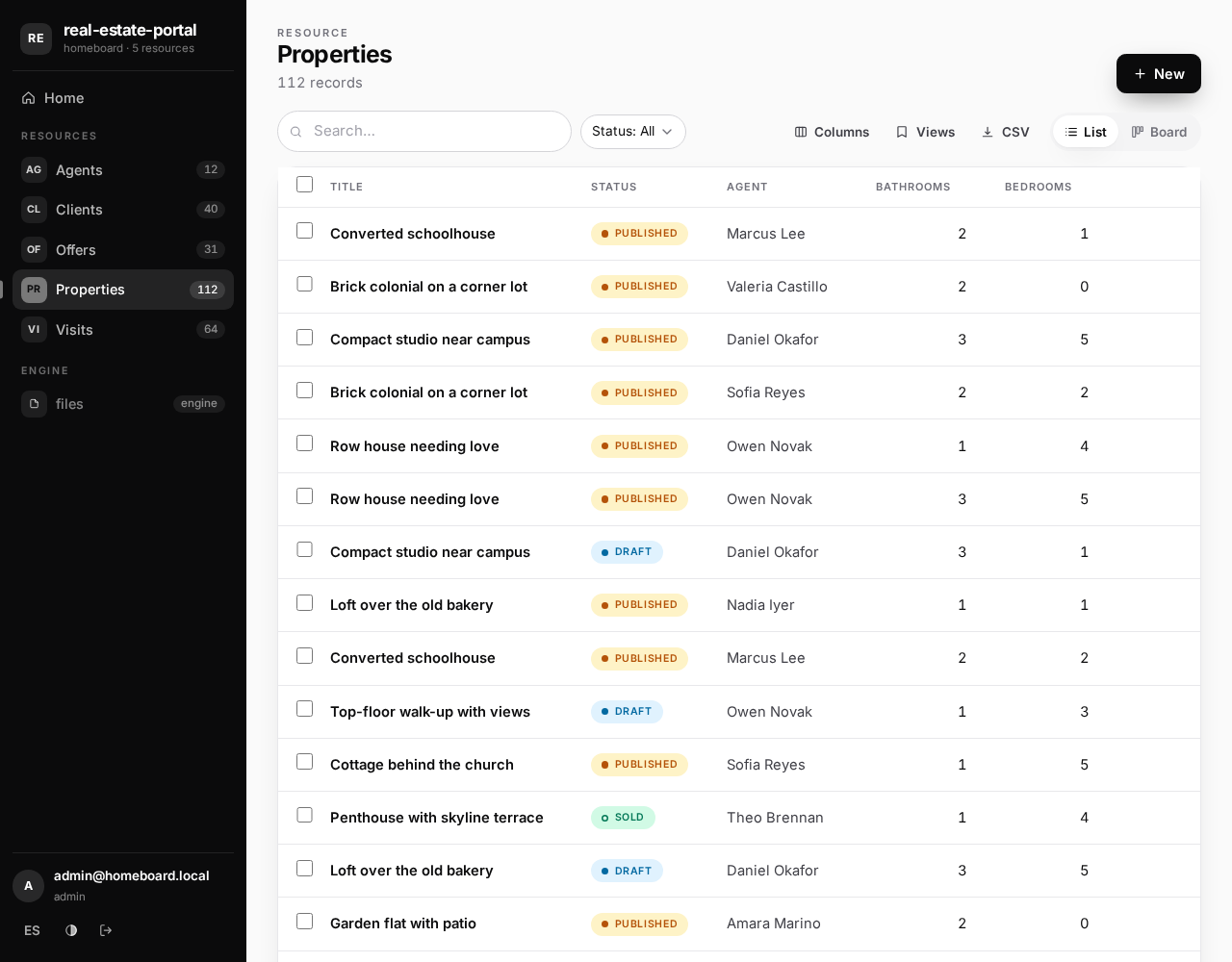
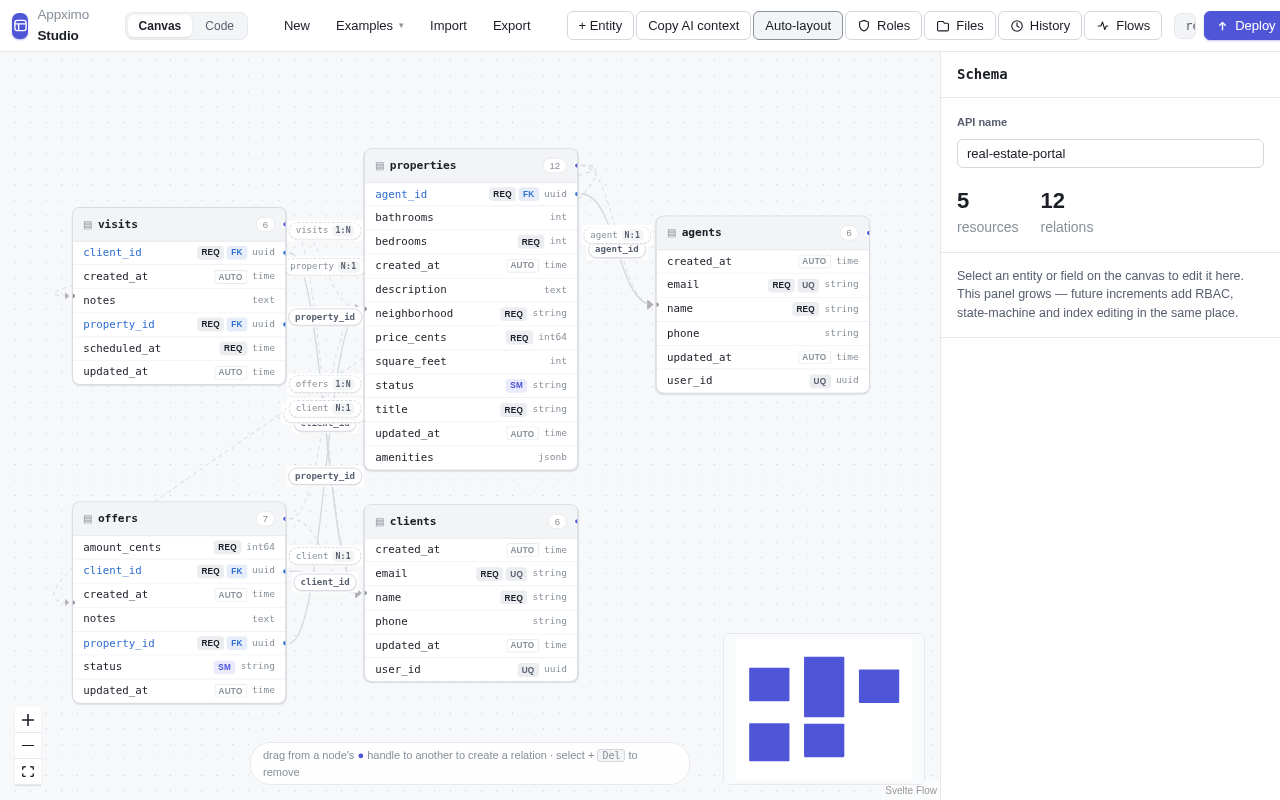
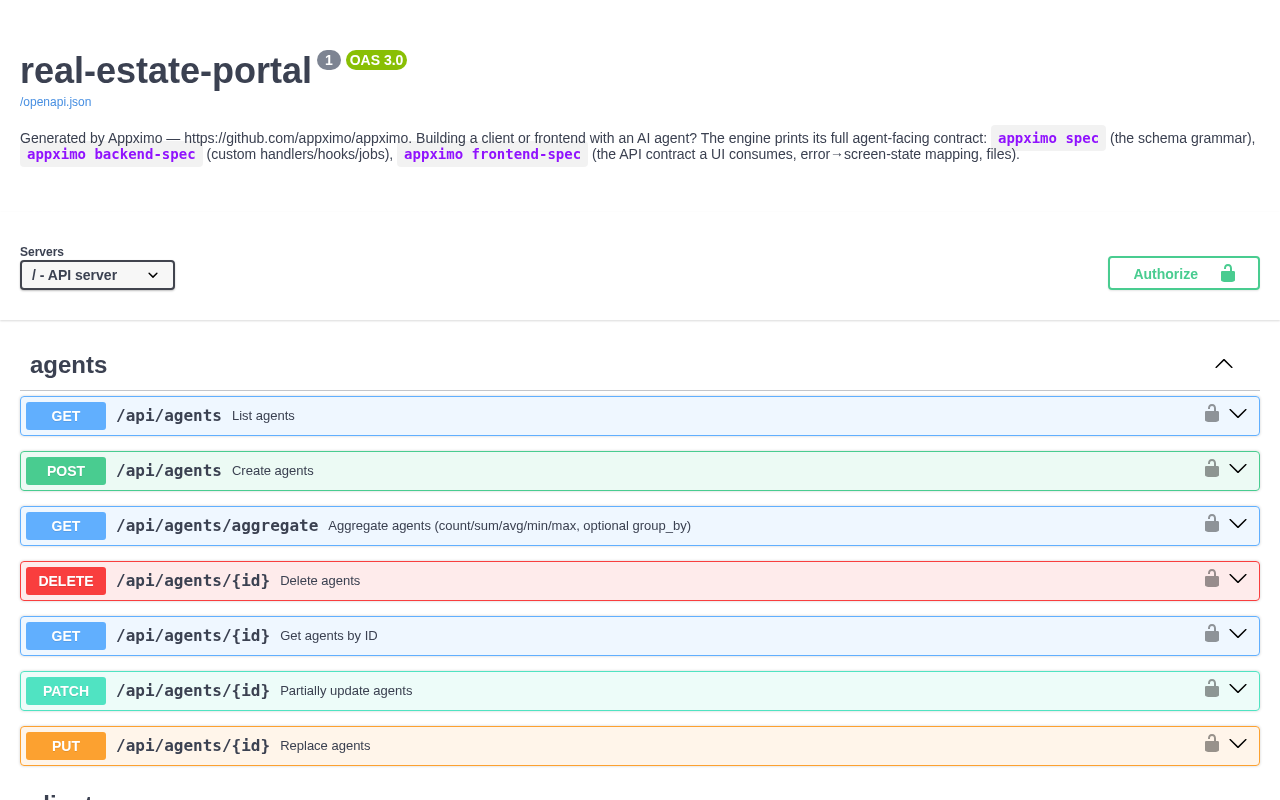
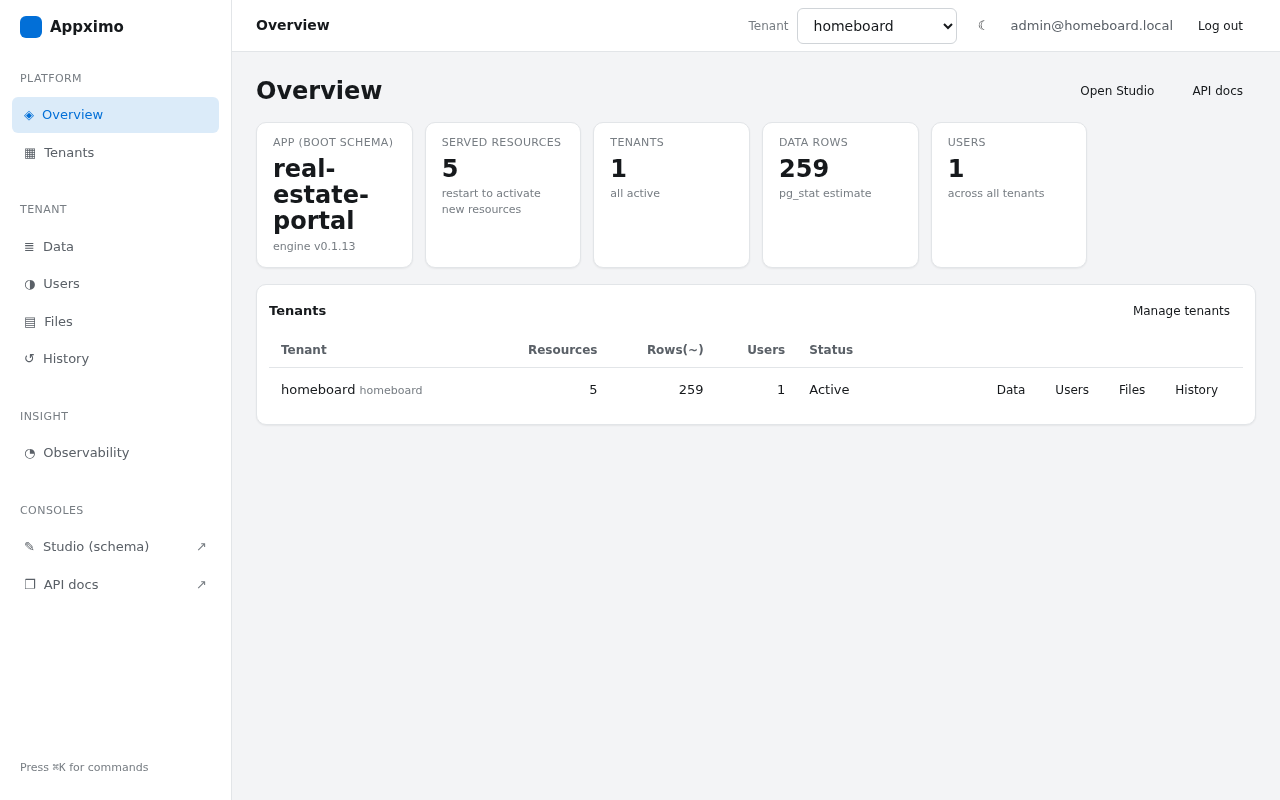
You are going to build me a complete, working application on **Appximo** — an
engine that compiles a JSON schema into a multi-tenant REST + GraphQL +
OpenAPI server with an embedded admin panel (`/admin`), visual schema editor
(`/editor`), generated back-office (`/app`) and interactive docs (`/docs`).
One static binary + PostgreSQL. You will take it from my idea to a running
app, and — if I ask for it — to production on a real domain with HTTPS.

MY IDEA: <describe the app in one or two sentences>

## Rules of engagement (read first, they override your habits)

- Ask me ONLY the question block below, all questions together, before doing
  anything. After I answer, make every remaining decision yourself with
  sensible defaults and **do not ask me anything else** — if something fails,
  read the error (Appximo errors name the problem and the way out) and fix it.
- A step is DONE when its checklist item passes, not when a command exits 0.
  Verify each item with a real request and show me the evidence.
- The engine prints its own contracts — when you need exact syntax, run the
  matching command instead of guessing, and **never invent API surface**:
  - `appximo spec` — the schema grammar (types, relations, state machines, RBAC)
  - `appximo backend-spec` — custom Go handlers, hooks, background jobs
  - `appximo frontend-spec` — the API contract a UI consumes (auth, filters,
    pagination, uploads, error→screen map)
  - `appximo backoffice-spec` — a CRUD admin UI generated from /openapi.json
  - `appximo quickstart` — OPERATING it: tenants, users, migrate, production
- Never serve any part of this app from a second server or port: the engine
  serves API, frontend, admin and docs from ONE binary, same origin. If you
  are tempted to run `npx serve`, `python -m http.server` or a Node server
  next to it, you took a wrong turn — go to "Custom screens" below.
- Never write to the database with raw SQL. Schema changes go through
  `appximo validate` → `appximo migrate` (Act 2 §3); data changes go through
  the API.

## Question block — the ONLY questions, asked together, then silence

1. **Postgres**: do you have a connection string I should use, or may I start
   PostgreSQL 16 in Docker locally?
2. **Production**: do you want this on the internet with HTTPS now? If YES,
   give me: (a) the domain (and confirm you can edit its DNS records),
   (b) SSH access to an Ubuntu VPS (`user@host`), and (c) whether anything
   else already runs on that box. If NO, I stop after Act 1 and print what
   production will take when you're ready.

# ACT 1 — from the idea to a running app, locally

1. **Check the engine is installed AND current enough** — do not install it
   here, and do NOT accept "a version prints, therefore we're fine": an old
   binary is the usual state and it fails later, in ways that read like typos.
   Run both:

   ```
   appximo version     # must print a version
   appximo prompt      # must print a long prompt, NOT "unknown command"
   ```

   If either fails, **stop and tell me to run the install prompt first**
   (the "Install Appximo" block on https://appximo.github.io/appximo/ — the copy that
   `appximo prompt --install` prints in v0.1.13 still points at the former
   repository address, which is no longer public). Do not work around it, do not build from source, do not proceed
   with an older binary.
2. **Write the schema from MY IDEA**:
   - `appximo spec > /tmp/appximo-spec.md`, read it, then write `schema.json`
     using ONLY that grammar.
   - Correction loop: `appximo validate --json schema.json`, fix every entry
     it reports, repeat until `"valid": true` **and `warnings` is empty**.
     Warnings are real bugs waiting to happen — two you will likely hit:
     a `required` string field also needs `"minLength": 1` (an empty string
     satisfies `required`), and a role that writes a resource with a `file`
     field also needs a grant on the `files` resource (or uploads 403).
   - If any part of the app must be readable WITHOUT login (a public catalog,
     published posts, a landing's data), declare it in the schema's
     `rbac.public` block (it's in the grammar) — do not invent an "anonymous"
     role and do not proxy around auth.
3. **Boot everything with ONE command**:
   `appximo up --name <shortname> --schema schema.json --yes --json`
   - stdout is one JSON object: every URL, one-time admin credentials, a dev
     API token, and a smoke-test result. Save the credentials for me.
   - The name must match `^[a-z][a-z0-9]{1,29}$` (no hyphens/underscores).
   - The printed token and the first user carry the **most privileged role
     your schema declares** (`token_role` in the JSON). To act as any OTHER
     role — to prove a restricted role really is restricted — mint one:
     `appximo token --secret "$JWT_SECRET" --tenant <name> --role <role> --schema schema.json`
     (the secret is in the `.env` `up` wrote).
   - Re-running `up` after editing schema.json is safe: it migrates the
     tenant to the new schema (destructive drops stay gated and print the
     exact approval command).
4. **Prove it with real requests.** The tenant is addressed by Host header:
   use the printed `http://<name>.localhost:<port>` URLs, or add
   `-H 'Host: <name>.localhost'`. Filters need `curl -g`.

**ACT 1 CHECKLIST** — verify each, then show me the table with evidence:

- [ ] `appximo validate schema.json` → valid, zero warnings
- [ ] `GET /docs` → 200
- [ ] `POST /api/<main resource>` with a token whose role may write it → 201
      (the printed token, or one minted for the right role — see step 3)
- [ ] The filtered list (`?filter[...]`) returns the record just created
- [ ] Anonymous access behaves as declared: if the schema has an `rbac.public`
      block, that resource reads with NO token (200) while a non-public one
      does not (401/403). No public block? Say **N/A** and prove the negative
      (a tokenless read is 401) — never leave this row silently unchecked
- [ ] `GET /app` → 200 (the generated back-office; sign-in works with the
      printed credentials at the `<name>.localhost` URL)
- [ ] `appximo explain schema.json` reads back as MY IDEA — paste its output
      for me so I can confirm the rules are what I meant

Then STOP and show me: the URLs, the one-time credentials, one curl that
already works, and the explain output. **Call out every place you extended
my idea** (a state, a field, a role I never named) in one short list, so I
can confirm or reject it before it reaches production. If I asked for
production, continue.

## Custom screens or endpoints (only if MY IDEA needs them)

- **Your own frontend** (brand, screens): build a STATIC SPA (no SSR) and
  serve it from the same binary — two ways, pick one, never a second server:
  - No Go toolchain: `appximo serve --schema schema.json --static ./dist --spa`
  - Go route (one binary containing everything): `appximo init <name>` emits a
    compilable project (main.go + go:embed) on `go get github.com/appximo/appximo@v0.1.13`.
  The UI's exact API contract is `appximo frontend-spec` — read it before
  writing fetch calls (tenant Host, 422 shape, keyset pagination, uploads).
- **Custom endpoints** (checkout, signed webhooks, reports): read
  `appximo backend-spec`; handlers run in-process with `Ctx` (validation +
  RBAC + transaction included). Grant the route to roles with the RBAC
  `routes` block — and know that the plain `appximo` binary refuses a schema
  granting routes nothing registers: that schema belongs to YOUR binary.

# ACT 2 — production with HTTPS (only if I said yes)

0. **DNS first** (propagation takes time — start it before touching the VPS):
   an A record `<app>.<domain>` → the VPS IP, and a wildcard
   `*.<app>.<domain>` → same IP if tenants get their own subdomains. The
   tenant id must EQUAL the first DNS label it is served at.
1. **Put the binary on the VPS**: `scp` the SAME binary you ran locally (or
   your custom one from "Custom screens") to the VPS, plus your
   `schema.json` — any file transfer works, `scp` is just the usual one.
   Then fetch the installer AND its companion scripts into the same
   directory on the VPS (the installer only installs the companions it finds
   NEXT TO ITSELF — fetched alone, backups and updates have no script):
   ```
   base=https://github.com/appximo/appximo.github.io/releases/download/v0.1.13
   curl -fsSLO $base/install.sh -O $base/backup.sh -O $base/deploy-update.sh
   ```
2. **Install** (as root). One script covers both box states:
   - Empty box:
     `sudo bash install.sh --domain=<app>.<domain> --email=<your email> --binary=./appximo --schema=schema.json --harden --yes`
   - Box that ALREADY runs something (or a second Appximo app): add
     `--app=<name>` — everything (service, user, config dir, db, ports) is
     namespaced under that name next to what's there, untouched. If ports
     8090/9090 are taken, add `--port`/`--control-port`.
   - Custom binary from Act 1's Go route: pass it as `--binary=` and add
     `--cli=./appximo` (the stock engine as ops companion — your binary
     serves, the CLI operates: migrate, token, backup).
   - It installs native PostgreSQL, a systemd unit, and Caddy with automatic
     Let's Encrypt. It prints every name it created and where config lives
     (`/etc/<name>/<name>.env`). Read the summary; don't re-derive paths.
   - **It is idempotent**: if it stops with a named error, fix exactly what
     it named and run the SAME command again — it detects and reuses
     everything it already created. Never start over by hand.
   - If the certificate never issues, it is almost always DNS not yet
     pointing here or port 80 blocked — `dig +short <app>.<domain>` must
     return this box's IP, and `journalctl -u caddy -f` says the rest. Wait
     for DNS rather than working around TLS; **never** verify with `-k`.
3. **First production tenant + admin** (on the VPS — the control plane is
   localhost-only by design, never exposed):
   - Register the tenant WITH the schema in the body:
     `curl -s -X POST http://localhost:<control-port>/tenants -H "X-Admin-Key: $ADMIN_KEY" -H 'Content-Type: application/json' -d "{\"tenant_id\":\"<app>\",\"display_name\":\"<App>\",\"schema\":$(cat schema.json)}"`
     (ADMIN_KEY and the control port are in `/etc/<name>/<name>.env`.)
   - First admin: open `https://<app>.<domain>/admin` — the login screen
     offers "Create the first admin" (paste the ADMIN_KEY) — or run
     `appximo admin create --email … --password …` on the VPS.
   - Mint a token and create one real record over HTTPS.
4. **Every future schema change** (now and forever): edit schema.json →
   `appximo validate` → `appximo migrate --tenant <app> --schema schema.json --dry-run`
   → run it again without `--dry-run` to apply. New fields go live hot; a new
   resource needs a service restart (`systemctl restart <service>` after
   updating the schema file the unit points at). Keep the deployed schema and
   the tenant record in sync by ALWAYS going through `migrate`.

**ACT 2 CHECKLIST** — verify each, then show me the table with evidence:

- [ ] `curl https://<app>.<domain>/health` (NO `-k`) → 200 `{"status":"ok",…}`
      — real certificate, valid chain
- [ ] `POST /api/<main resource>` over HTTPS with a fresh token → 201
- [ ] `https://<app>.<domain>/app` → 200 and lists that record after sign-in;
      `/docs` → 200
- [ ] `systemctl is-active <service>` → active, and
      `systemctl is-enabled <service>` → enabled (survives reboot)
- [ ] `journalctl -u <service> -n 50` shows a clean boot (no errors)
- [ ] Backups work: run `/opt/<name>/scripts/backup.sh --env-file=/etc/<name>/<name>.env`
      once and show the dump file it produced (if the installer reported it
      couldn't find the companion scripts, fetch them as in §1 first)

Deliver at the end: the live HTTPS URLs, credentials (shown once), where
config and backups live on the VPS, and the exact three commands for my next
schema change (validate → migrate --dry-run → migrate).

## When something fails

**If the Postgres I gave you is unreachable** (it times out, DNS does not
resolve, a firewall drops it): that failure is the network, not Appximo, so
its errors cannot help you. Do not silently change the connection string I
gave you and do not disable anything — fix the reachability at your end if
you can (a hosts entry, the right address for this machine), and say in one
line what you changed. If you cannot, stop and tell me the exact address that
did not answer.

Read the error first — this engine's errors are written to be acted on: they
name the missing thing and the way out. Fix exactly what is named and re-run
the same command (every installer and `up` is idempotent). If a step fails
twice, run `appximo quickstart` and search its output for the symptom before
improvising. Three dead ends to never take: a second
server/port for the frontend, raw SQL against the database, and disabling
auth "temporarily". If the box refuses something (a port, a permission), the
installer summary and `journalctl -u <service>` name the owner — fix the
named thing, don't work around it.
# your agent works out the platform and runs the matching block — this is Linux
curl -fsSLO https://github.com/appximo/appximo.github.io/releases/latest/download/appximo-linux-amd64
curl -fsSLO https://github.com/appximo/appximo.github.io/releases/latest/download/checksums.txt
grep " appximo-linux-amd64$" checksums.txt | sha256sum -c -
sudo install -m 0755 appximo-linux-amd64 /usr/local/bin/appximo

# macOS: the asset is appximo-darwin-arm64 (or -amd64) and the check is shasum -a 256
appximo version   # proof, not a promise: it must print the version just installed
# PowerShell. Windows refuses to overwrite an .exe that is running, so the
# prompt RENAMES the old one first — the step everyone gets wrong by hand.
$dir = "$env:LOCALAPPDATA\Appximo"
Invoke-WebRequest -Uri "https://github.com/appximo/appximo.github.io/releases/latest/download/appximo-windows-amd64.exe" -OutFile "$env:TEMP\appximo-new.exe"
Move-Item "$env:TEMP\appximo-new.exe" (Join-Path $dir "appximo.exe") -Force

appximo version   # in a NEW terminal, so the PATH is the updated one
# 1. everything, locally, in ONE command: Postgres in Docker, secrets, your
#    tenant, the first admin and a smoke-tested API — every URL and every
#    credential printed once
mkdir myapp && cd myapp && appximo up

# 2. every later schema change goes through migrate (destructive drops stay
#    gated behind an explicit approval)
appximo validate schema.json
appximo migrate --tenant myapp --schema schema.json --dry-run

# 3. production, when you are ready — on an empty VPS or next to what already
#    runs there: native PostgreSQL + systemd + Caddy with automatic Let's Encrypt
sudo bash install.sh --domain=api.you.com --email=you@you.com --binary=./appximo